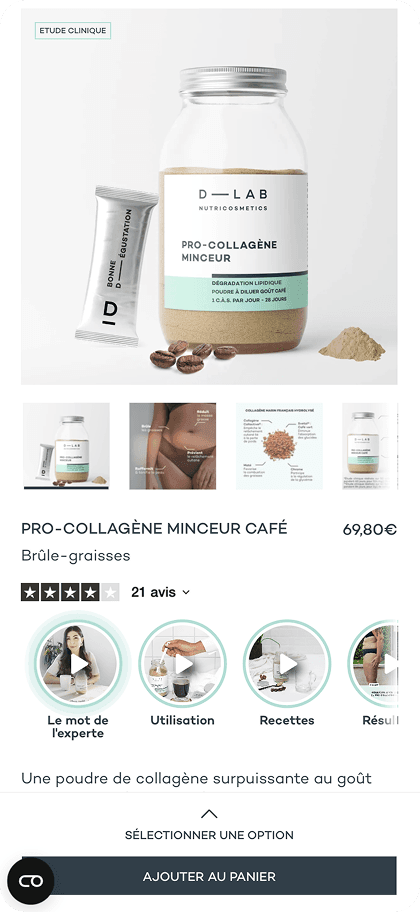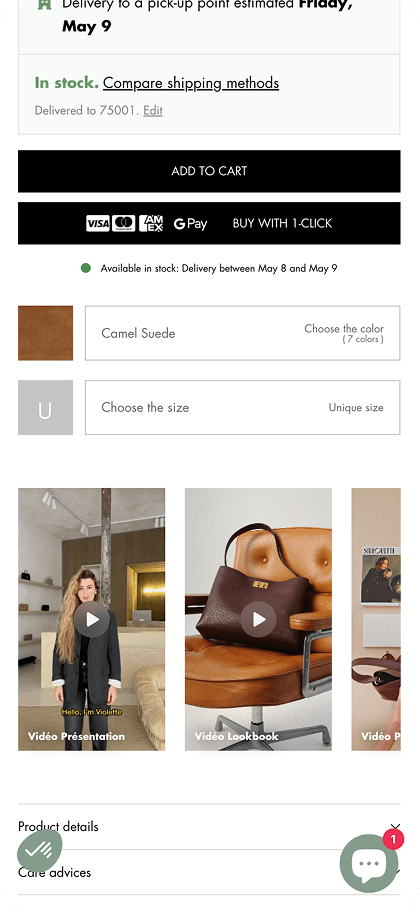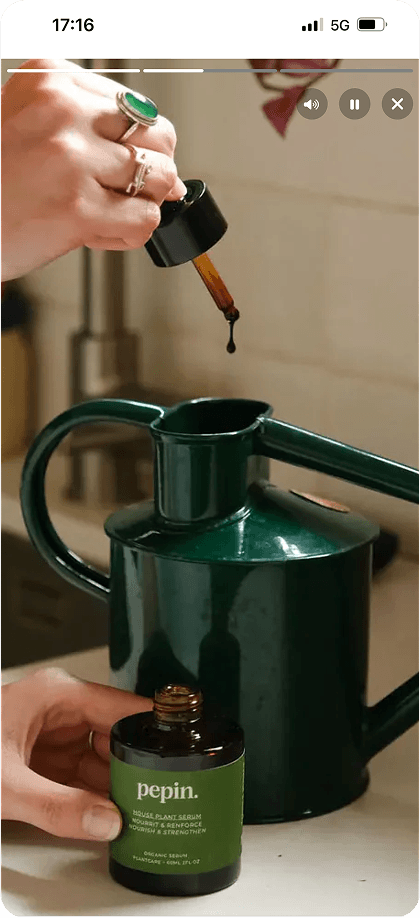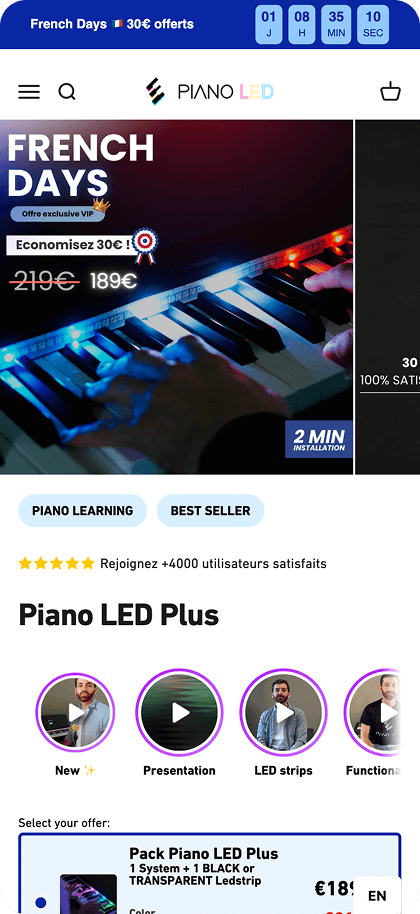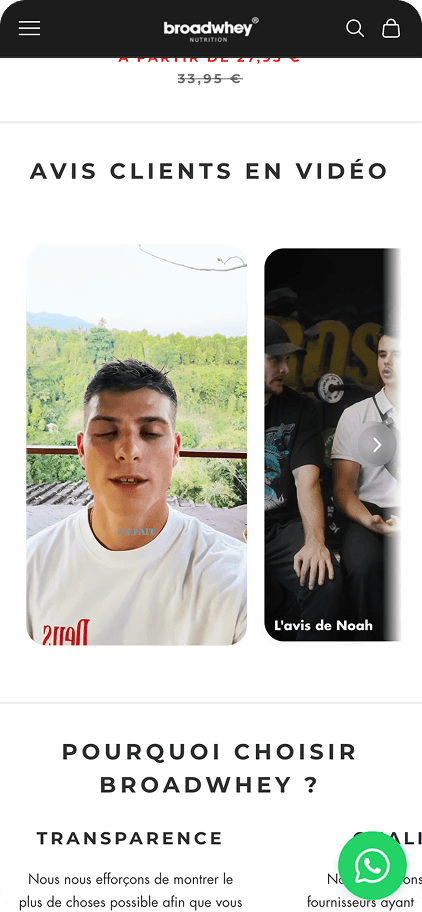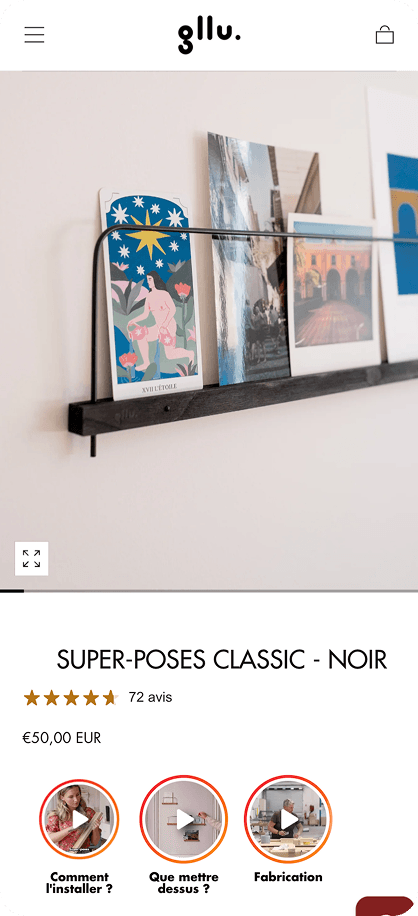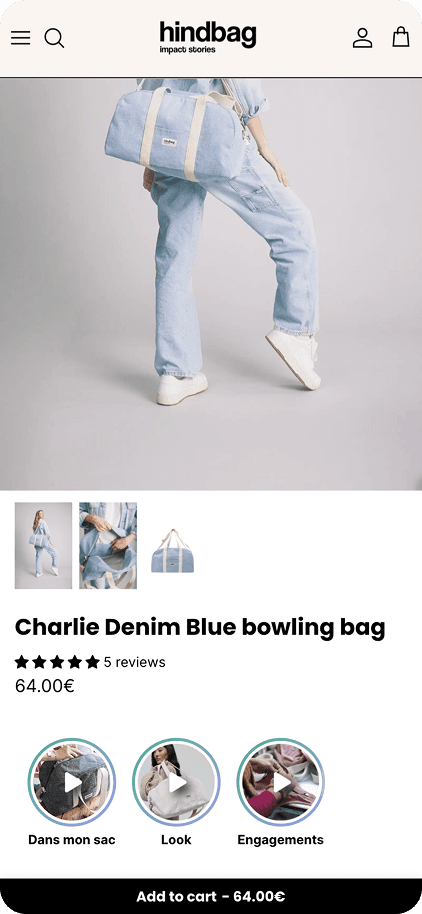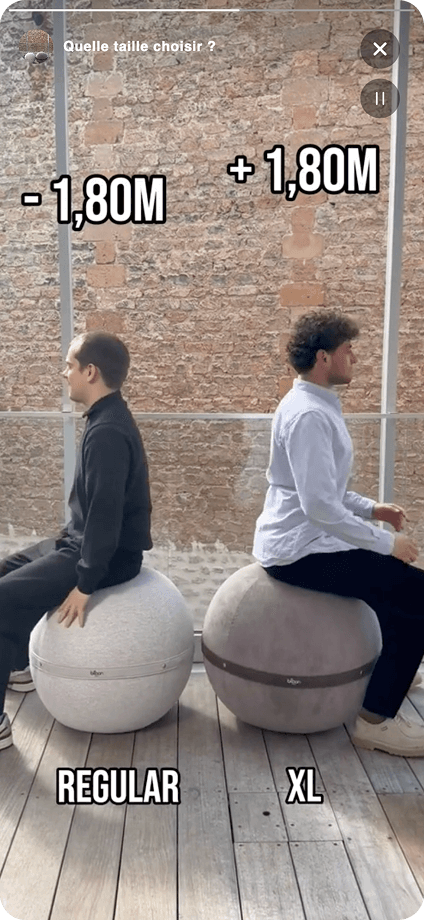
Integrating video into the customer journey has become essential for any e-commerce business looking to maximize performance.
Faced with rising acquisition costs, conversion rate optimization represents the most direct profitability lever.
Here's the methodology to integrate these interactive formats and boost your sales.
Step 1 - Have Video Content
To launch a successful e-commerce video stories strategy, start by auditing your media library.
The objective is simple: provide sequences that reassure your visitors and remove psychological barriers to purchase. A well-designed video replaces lengthy descriptive paragraphs and offers a tangible product experience, which builds trust.
Diversify video types to meet different information needs:
- Unboxing Videos: Show the packaging and unboxing experience.
- Product Demos: Validate features and real-world usage of the item.
- Before / After: Effective proof, especially for cosmetics or cleaning products.
- FAQ Videos: Answer recurring questions to overcome objections.
- Key Benefits: Short capsules focused on your offering's added value.
Creating this content can be quick in-house - a smartphone is sufficient. You can also leverage existing content with PlayShorts' UGC Search feature.
It allows you to identify and reuse content created by your customers on social networks like Instagram or TikTok. This social proof provides peer validation that strongly influences purchase decisions.
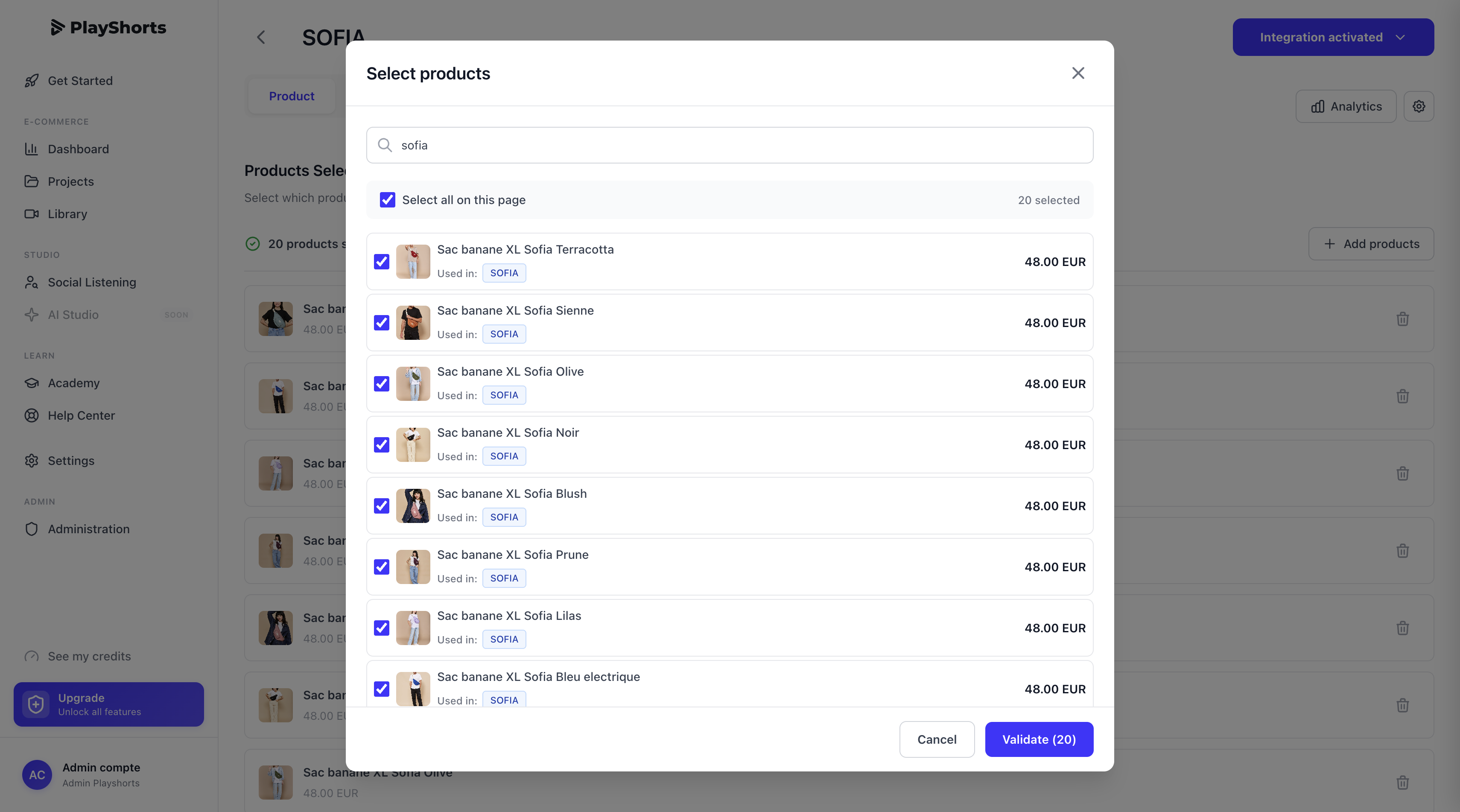
Step 2 - Choose Which Products to Feature
To ensure quick ROI during integration, the optimal strategy is to prioritize your efforts on a limited selection from your catalog. We recommend starting with your bestsellers.
Why target your best sellers?
- Traffic Volume: These pages capture the majority of your visitors. Adding shoppable videos quickly generates statistical data to analyze conversion impact.
- Leverage Effect: A conversion rate increase on high-volume products maximizes additional margin.
- Optimizing Existing Success: Your bestsellers have already proven their market fit. Video maximizes their revenue potential without risk.
Simply select products through our interface. Also consider identifying items with high traffic but low add-to-cart rates: they often need more reassurance and are ideal candidates.
Step 3 - Create Your Video Project
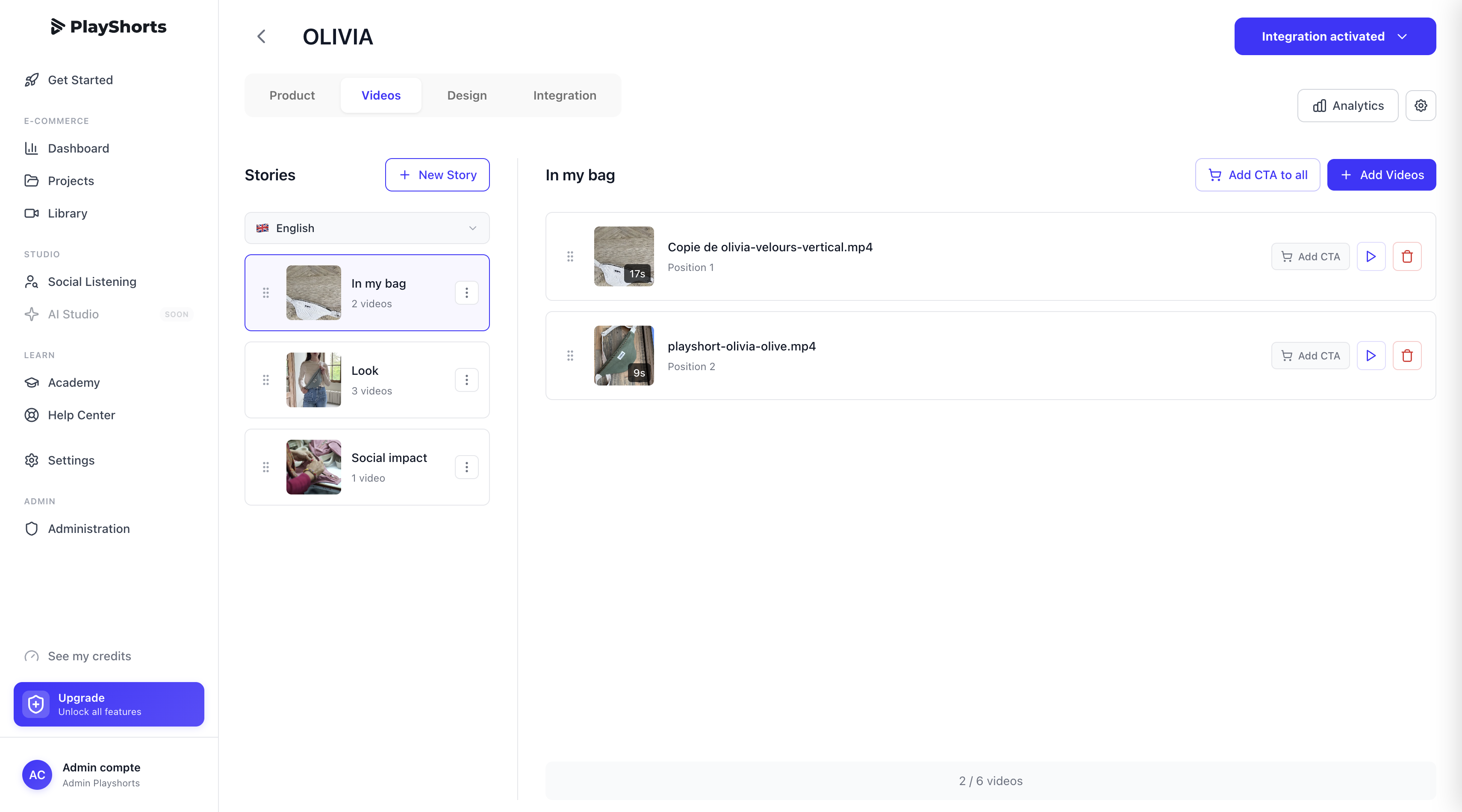
Once products are targeted, create your projects:
- Create multiple stories and name them: Organize your stories by theme (for example "Customer Reviews" or "Tutorial") to facilitate management.
- Multi-video per story: Chain several videos in the same story. This is particularly effective for testimonials, allowing multiple customer reviews to be shown.
This content aggregation increases time spent on page, a positive signal for your SEO. You deliver dense information in an interactive way.
Step 4 - Create Call-to-Actions
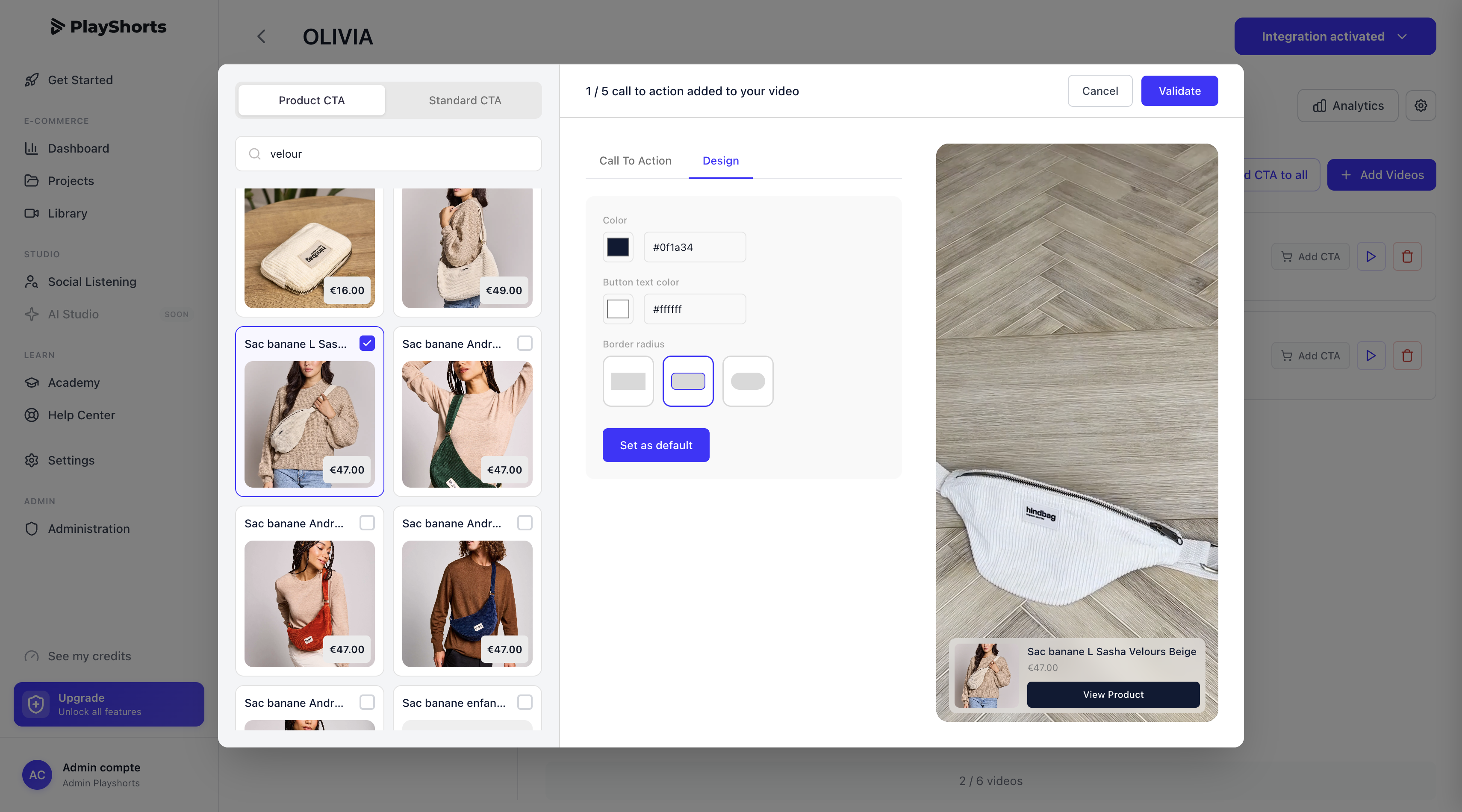
Make your videos shoppable by integrating CTAs (call-to-action).
Simply select the products featured in the video. While your visitor watches the video, they can directly add the featured items to cart, streamlining the purchase journey and reducing friction.
To save even more time and automate this process, activate our CTA Dynamic feature. Thanks to this intelligent system, the right CTA automatically displays on each product, without you needing to manually configure each button. This ensures a smooth and personalized user experience, adapted to each product featured in your shoppable videos.
This automation not only simplifies your management but also improves click-through rates and conversion rates by displaying the most relevant call-to-action based on content and display context. You offer your visitors intuitive and engaging navigation that maximizes purchase probability.
Step 5 - Adapt the Design
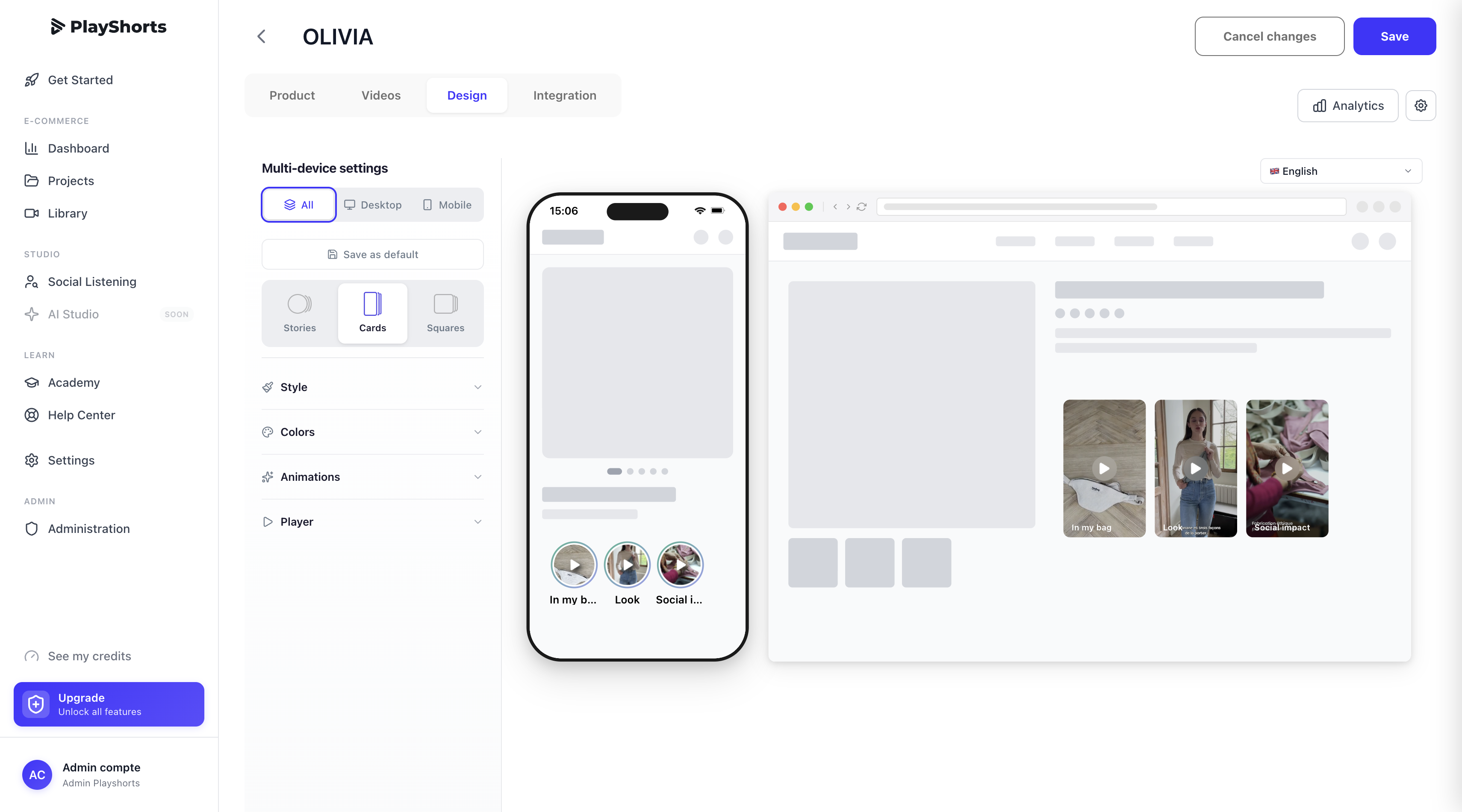
Visual integration matters a lot. Careful design that respects your store's brand guidelines reinforces quality perception. PlayShorts offers advanced customization so the tool blends naturally into your interface and avoids "banner blindness".
Consider distinguishing mobile experience from desktop experience.
Use available settings (colors, typography) for native integration. The player should seem like an integral part of your e-commerce solution, whether you're on Shopify or Prestashop. This encourages user interactions and engagement.
Step 6 - Integrate the Script
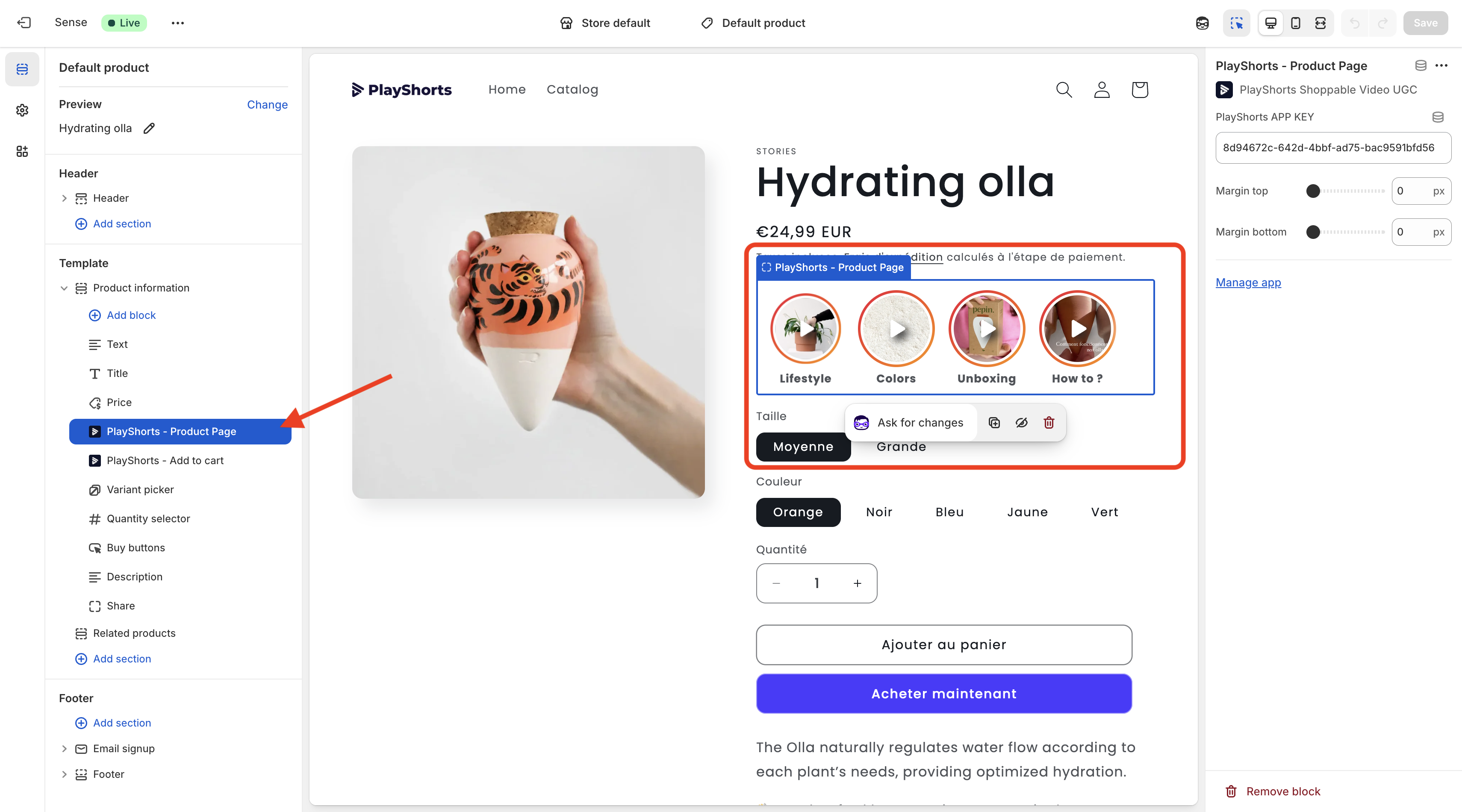
Implementation is very simple: copy the code provided by PlayShorts and paste it on your product page template, and the player automatically deploys on all configured pages.
Performance-wise, no impact on your site speed. Videos are streamed from PlayShorts servers via a global CDN. The script loads asynchronously without blocking critical elements.
Pro tips to maximize visibility: We recommend placing videos above the fold.
- Immediate Visibility: The call-to-action must be seen without scrolling.
- Conversion Impact : Elements visible on load capture 80% of attention. Making videos unmissable maximizes click-through rates and impact on final conversions.
Step 7 - Track Your KPIs
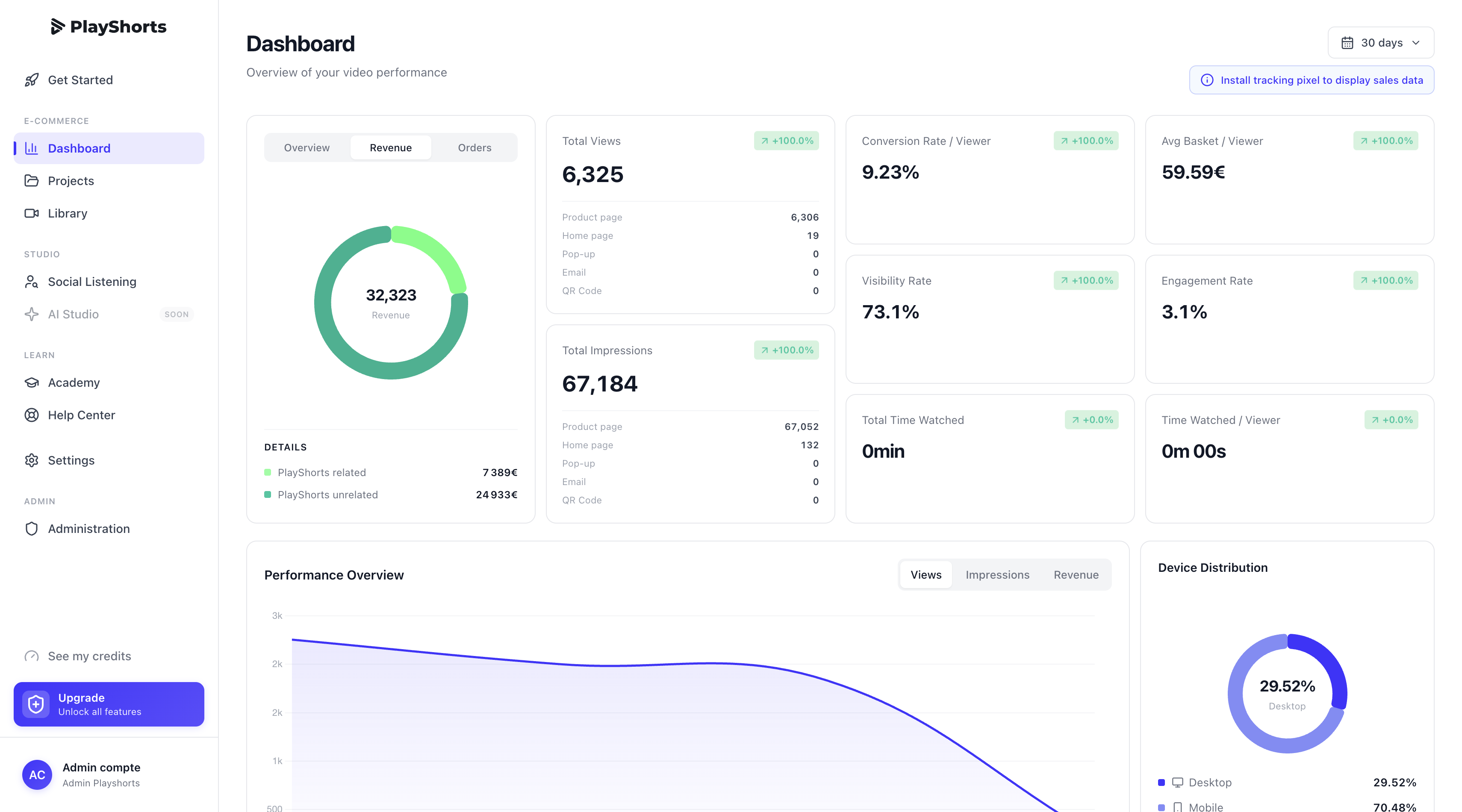
Drive your video strategy with data through our analytics dashboard. Track concrete business metrics related to your activity:
- Play Rate: The percentage of clicks on the video. If this rate is low, review placement or thumbnail.
- Hook Performance: Analyze retention in the first 3 seconds. The hook must be striking or emotional.
- Video Engagement: Viewing time, often correlated with strong purchase intent.
- Post-view Conversion Rate: The percentage of users who purchased after watching a video.
Adopt an iterative approach: identify performing formats and adapt your future production. Our clients observe on average a +32% increase in conversion rate thanks to this analytical rigor and use of shoppable videos.
Read more
Need inspiration? Browse our shoppable video examples and discover the Molleni case with measured conversion impact.
To source your videos, leverage the 6 best-performing UGC video formats. And to know exactly where to place videos on your site, check our strategic placement guide.